



Scans from TRIOS arrive in your inbox as cases automatically.
- Formats: STL, PLY, DCM
- Connected via your lab account
- Practices send as usual
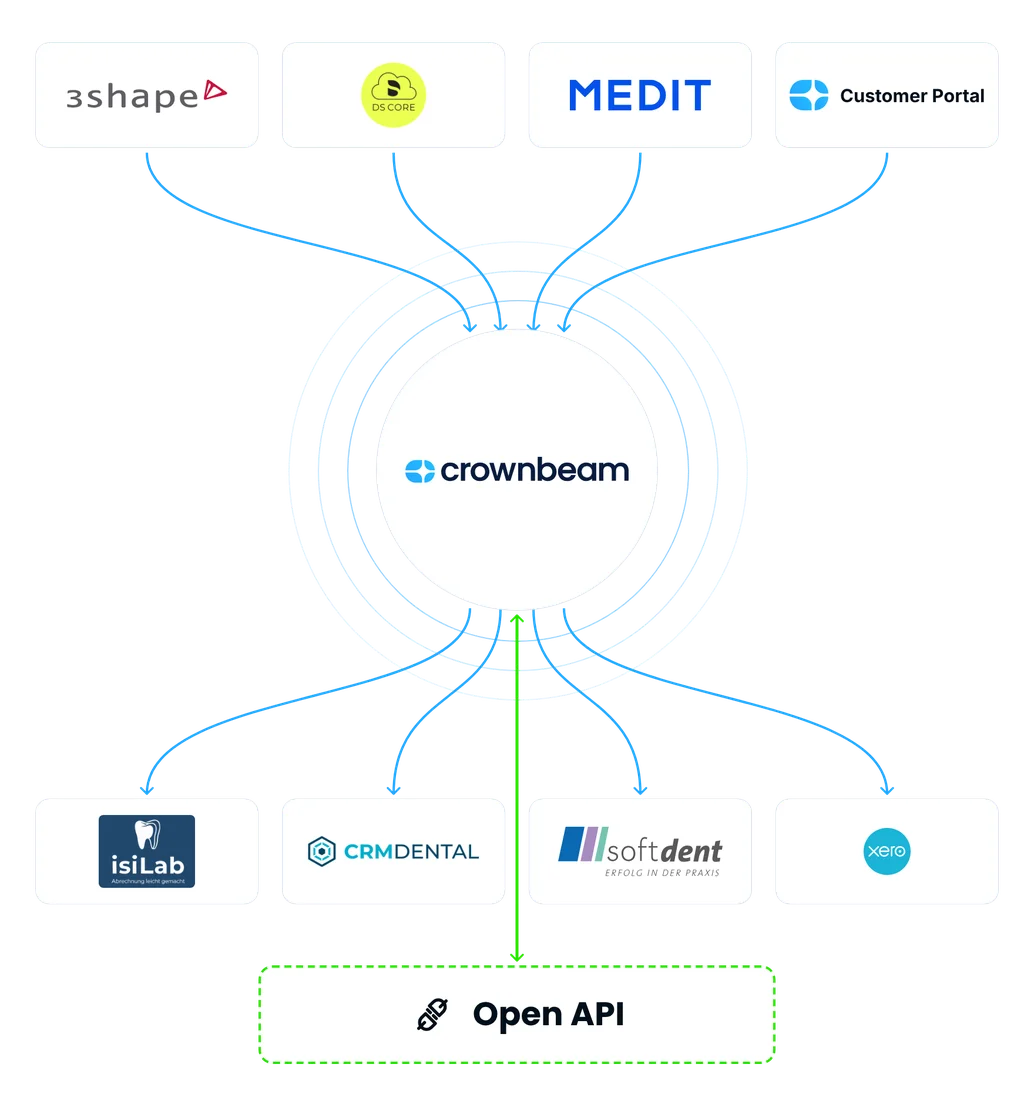
Crownbeam connects to the systems you and your dental practices already use. Scans arrive automatically, and case data goes straight to your accounting.
Scans from TRIOS arrive in your inbox as cases automatically.
Scans from Primescan and other Dentsply Sirona scanners arrive in your inbox as cases automatically.
Scans from Medit scanners such as the i700 arrive in your inbox as cases automatically.
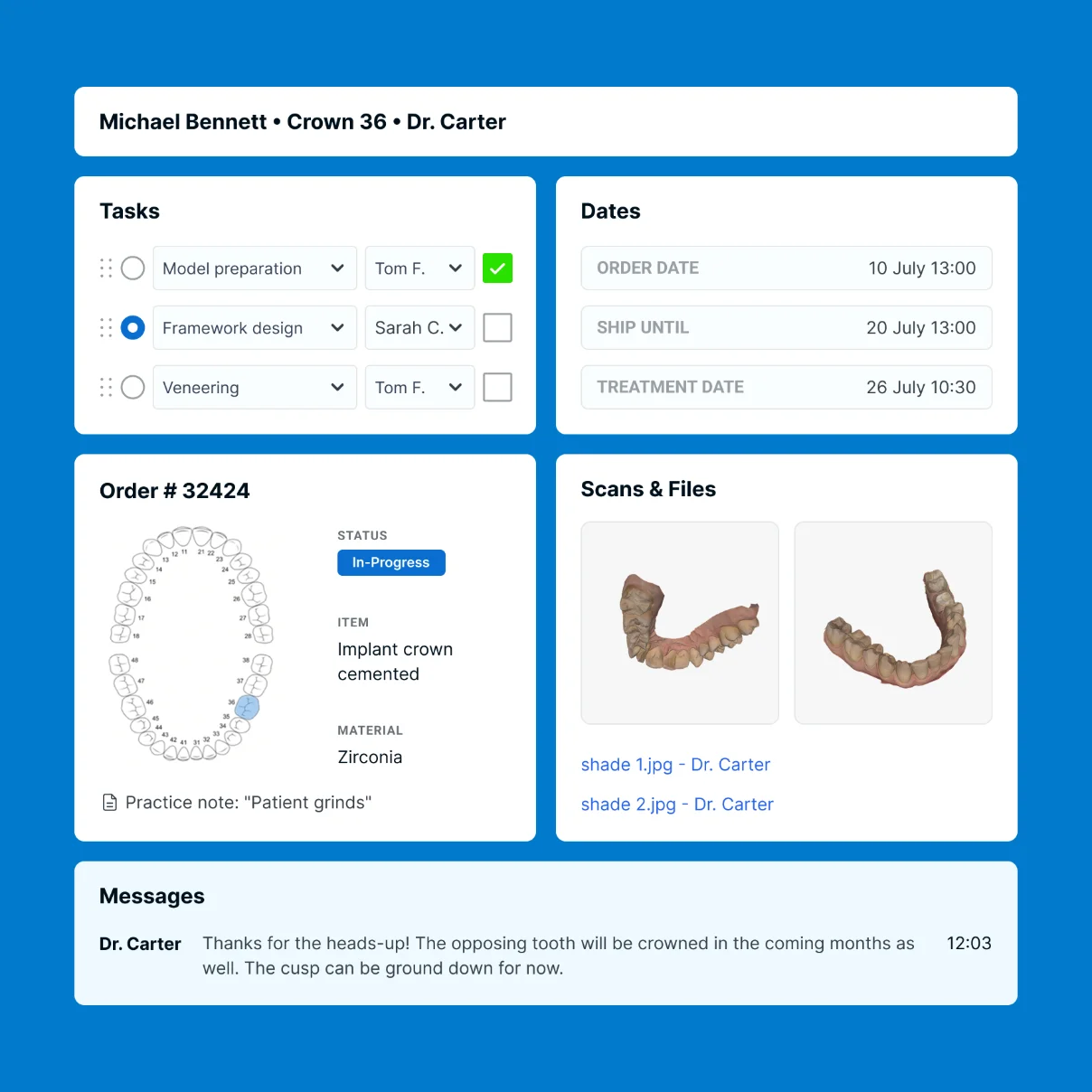
For everything else: DICOM files for implant planning, photos, documents and scans from any other system.
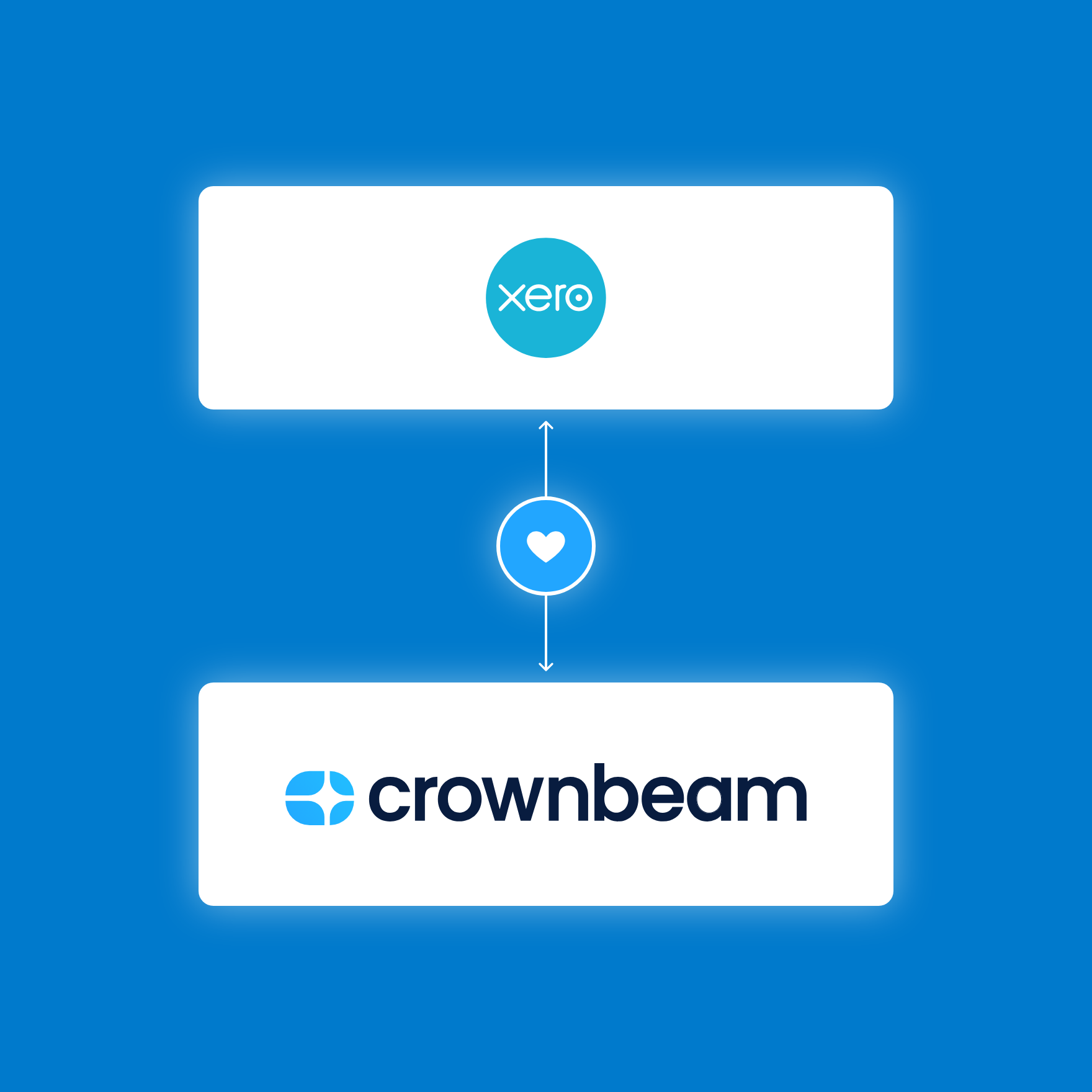
Case data from Crownbeam goes straight into Xero.
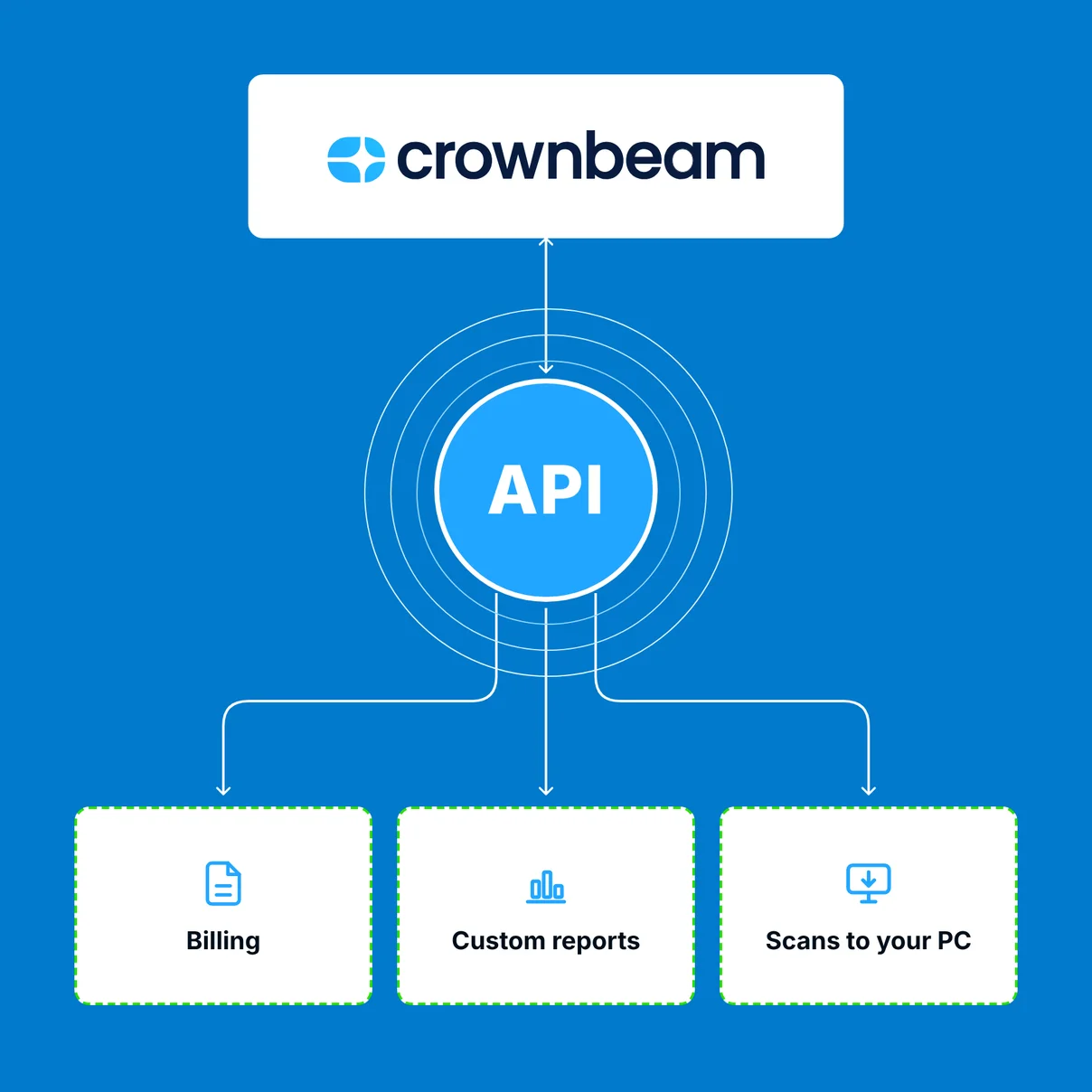
Then connect it via the REST API.


Direct integrations exist for 3Shape Communicate (TRIOS), DS Core (Dentsply Sirona, for example Primescan) and Medit Link (for example the i700). For all other scanners, the practice uploads scans through your Crownbeam customer portal.
You connect your lab account for each portal to Crownbeam once. From then on, all scans arrive automatically in a single case inbox. After the first match to a practice, the case is created automatically, with all files.
From 3Shape Communicate STL, PLY and DCM, from DS Core STL, PLY, DXD, DCM and exocad data, from Medit Link STL, PLY and OBJ. You choose in the integration which formats Crownbeam downloads. STL and PLY can be viewed directly in Crownbeam.
No. You set up the integration in your lab account. The practice keeps sending its cases from its scanner software as usual.
Always the lab account on the respective portal, no matter which scanner the practice uses. These accounts are usually free. Practice accounts cannot be connected.
Usually within three minutes of the practice sending it.
Crownbeam connects to Xero. All case data goes to Xero, where you create invoices as usual. Crownbeam does not replace your accounting software. For labs in Germany and Austria, Crownbeam also connects to isiLab, CRM Dental and Softdent. Any other software can be connected via the open REST API.
Yes, via the open REST API, free of charge. You can find the documentation at app.crownbeam.com/api.
Nothing extra. Crownbeam has no add-on modules: all integrations and the open API are included in the smallest plan.
